
MUSIC ON HOLD
Music on Hold (MOH) is what callers hear when their call is placed on hold or waiting in a queue to be answered. You can assign Music on Hold to a specific user, a specific call queue, or the entire organization.
Setting Up Music on Hold
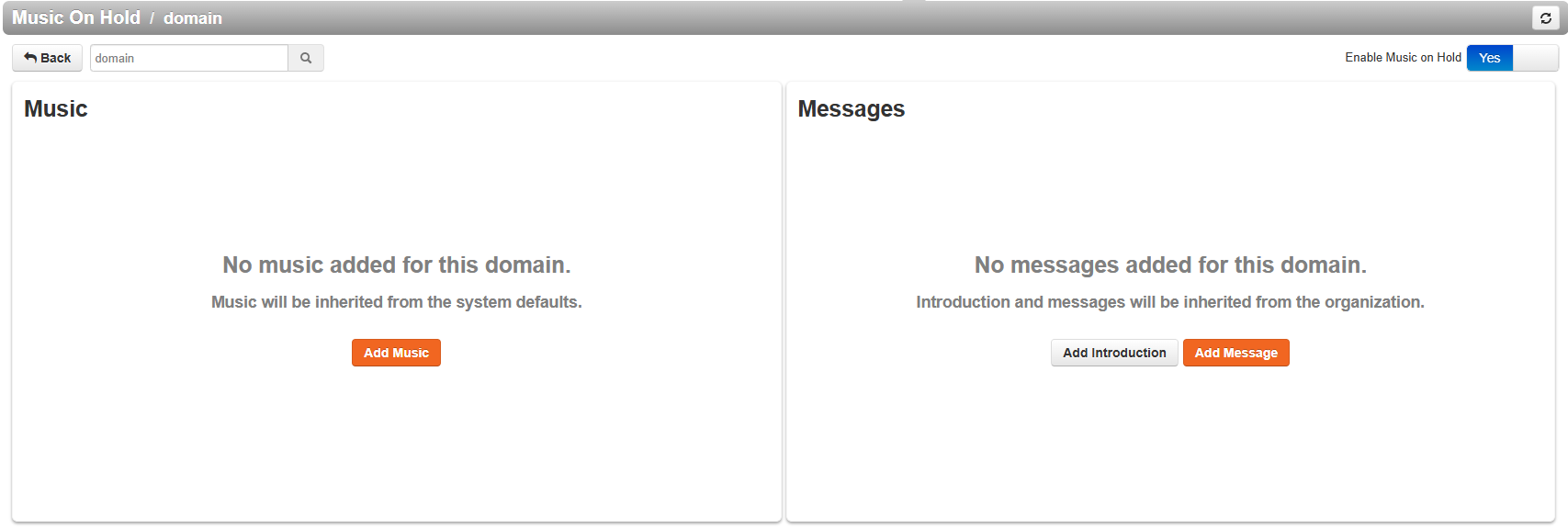
Click the Enable Music button in the top-right corner.
Upload music for your organization:
Supported formats: .mp3 or .wav
Click Browse to locate the file on your computer
Name the file and click Upload
Arrange your playlist:
Drag and drop uploaded songs to set the play order
By default, songs play top to bottom
If Randomize Music on Hold is enabled, songs will play in a random order
NOTE: If you would like to use our AI enhanced service to help create auto attendant messages or add music you can visit the the tab; Recordings Studio
Was this article helpful?
That’s Great!
Thank you for your feedback
Sorry! We couldn't be helpful
Thank you for your feedback
Feedback sent
We appreciate your effort and will try to fix the article