
Hello and Welcome to the Manager Portal Onboarding Guide! In this document we will go over the most important steps in setting up your business through our manager portal.
1. Users
 | A user is anyone who has access to your site (including portal access, domain access, and more). Employees should have access based on their job responsibilities, while end-users should be assigned access that aligns with how they use the system. |
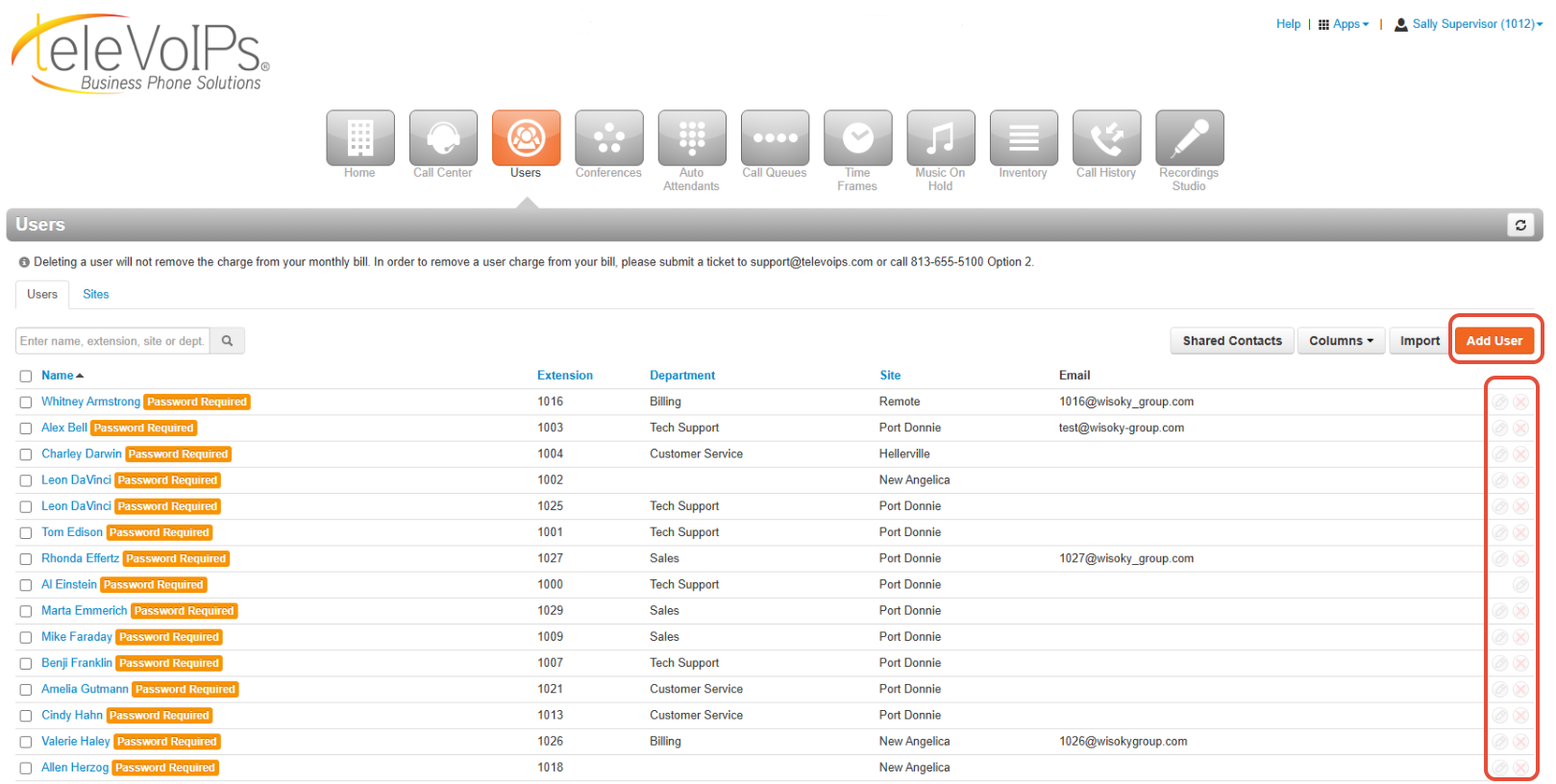
The first step in onboarding is adding your users.
- For instructions on creating a new user, click here: 'Adding Users'.
- For a full overview of the Users tab, click here: Users - Overview.
After completing this process for all users, they will appear on this tab, where you can manage them by editing or deleting entries at any time using the icons located on the right-hand side.
2. Call Queues
 | Call Queues are beneficial to managing high call volume. They organize agents into groups (and optional tiers) to streamline the flow of incoming calls. Callers also benefit; through the use of music on hold and announcements, the caller is comforted that their call will be answered quickly and efficiently. |
To set up your Call Queues:
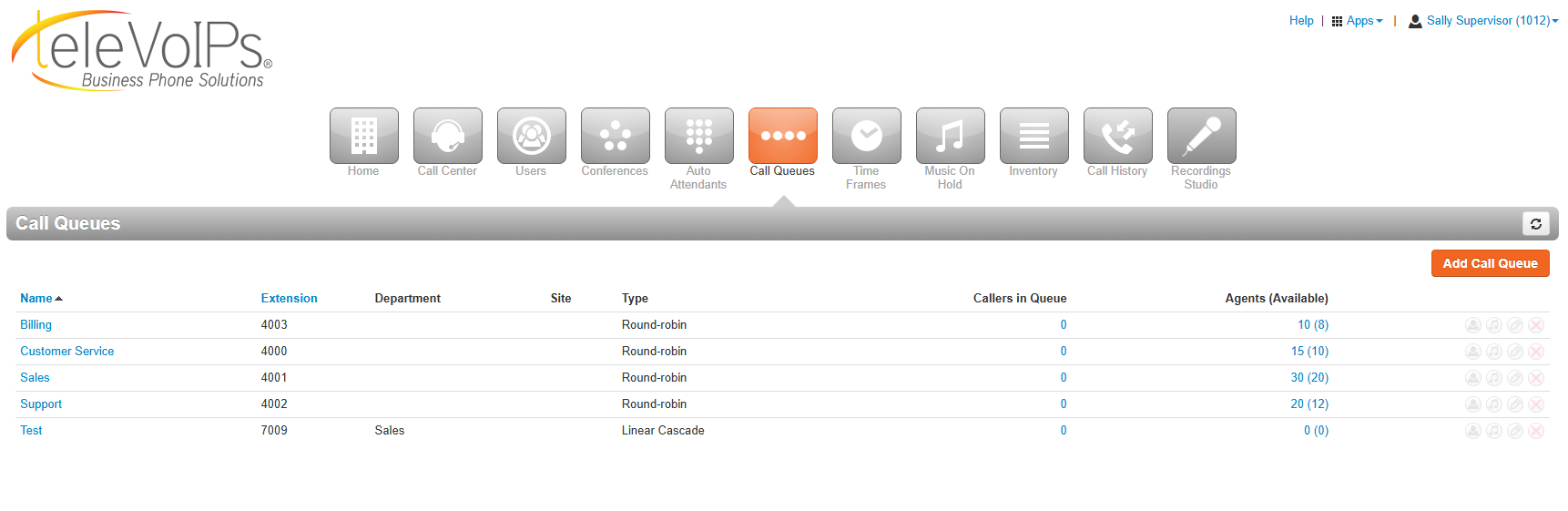
- The first part of this process is to create the actual call queue, so click here for instructions on how to Add and Set Up a Call Queue.
- After you accomplish this, you then can start adding your agents (users) to the different call queues they belong to, and then click here for instructions on How to Add Agents and Manage Call Queues.
3. Auto Attendants
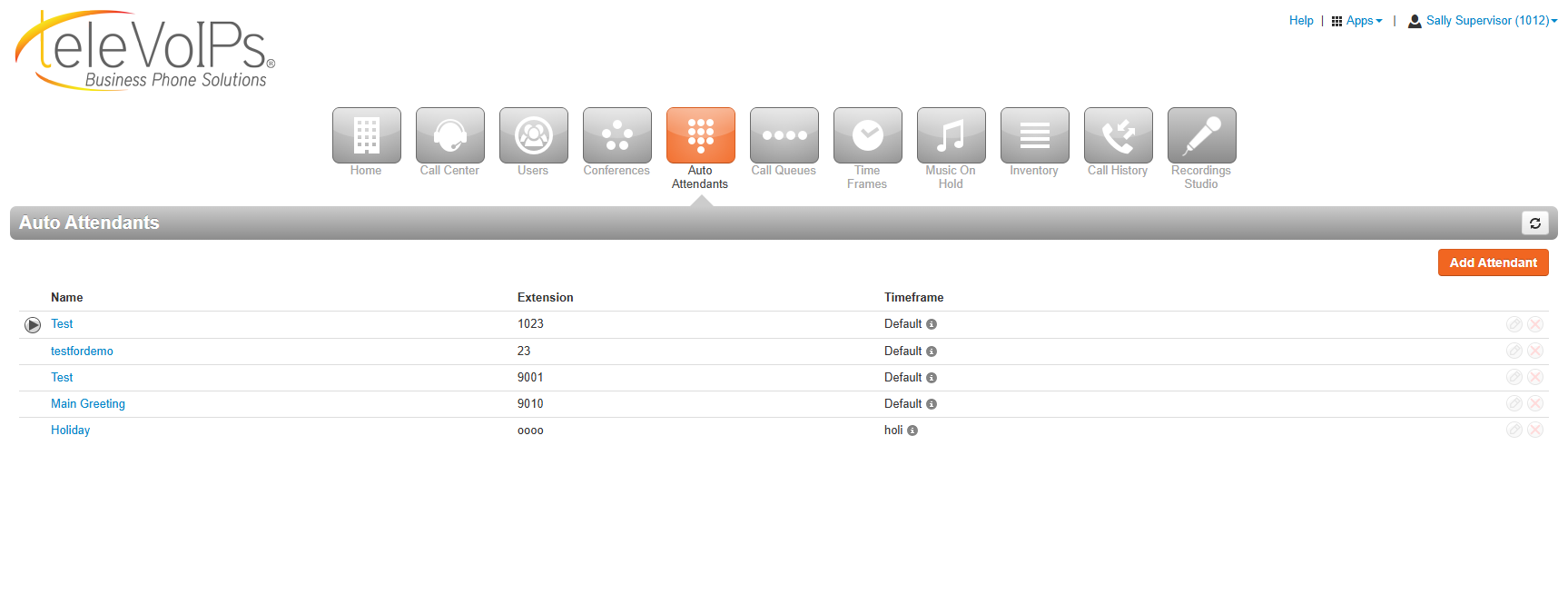
 | An Auto Attendant (AA) is an automated greeting that presents callers with menu options. Auto Attendants function based on time frames. Typically, callers receive one menu during “business hours” and a different one during the “default” time frame for after-hours calls. |
To set up Auto Attendants:
- Click here for the overview and creation of Auto Attendants.
- After you have completed that step you can use this document to Manage Existing Auto Attendant Options and Attendant Failover and create automated messages.
4. Inventory
 |
In the inventory tab you can check on many components of your businesses phones so click here for an overview of the Inventory.
Was this article helpful?
That’s Great!
Thank you for your feedback
Sorry! We couldn't be helpful
Thank you for your feedback
Feedback sent
We appreciate your effort and will try to fix the article