Managing Existing Auto Attendant
Adding Recording
- Select Auto Attendants tab then select on desired attendant to Edit
Text to speech
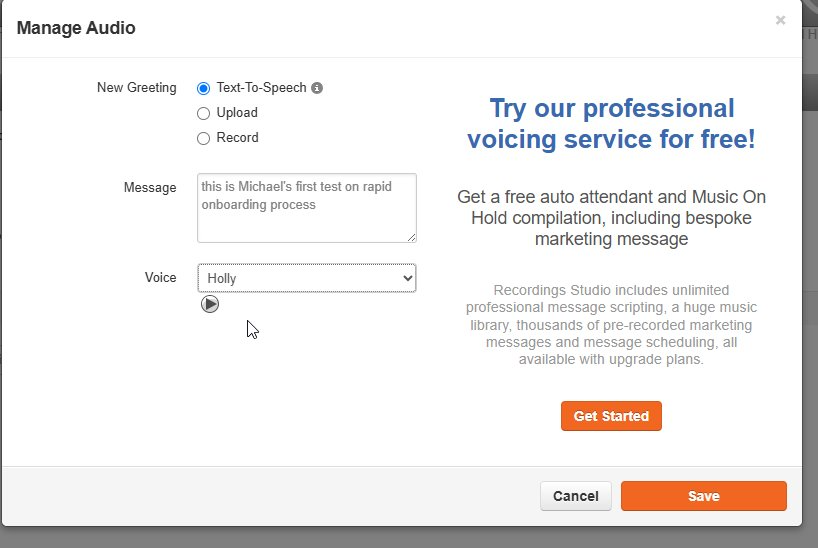
- Go to the Auto Attendants tab and select the attendant you want to edit.
- Click the Edit button next to Menu Prompt, then select Text to Speech.
- Type your message.
- Select a voice from the dropdown menu.
- Click Save.
Upload 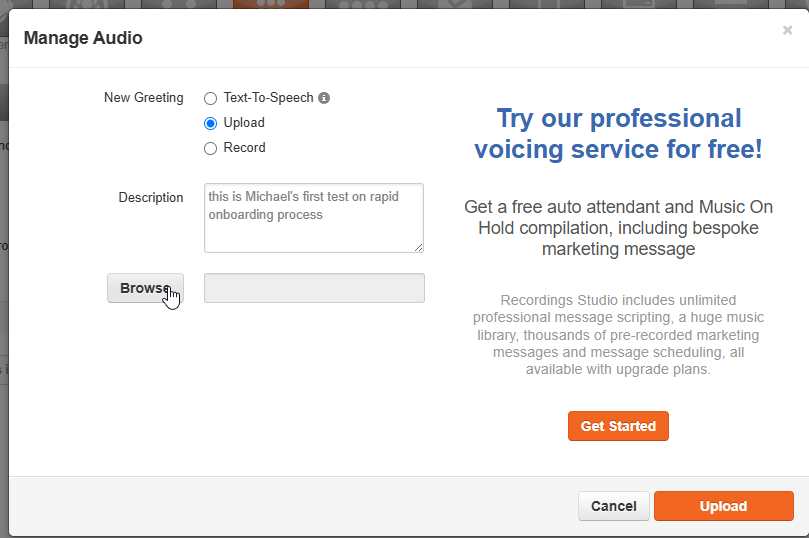
- Select Upload as New Greeting.
- Click Browse and choose your audio file.
- Add a description in the description box.
- Click Upload at the bottom, then click Save.
Recording
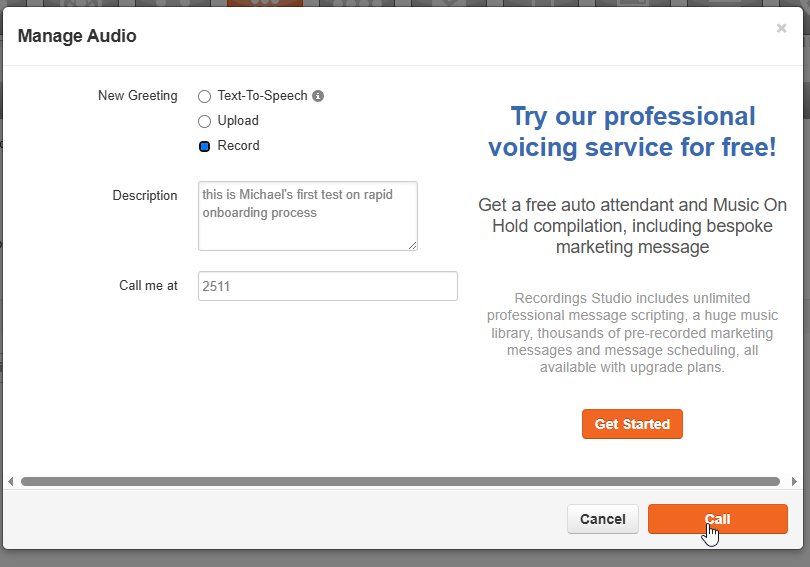
- Select Record as New Greeting.
- Add a description in the description box.
- Enter the phone number or extension you want to use to record the greeting.
- Answer the call and record your message after the tone.
- Press # to complete the recording.
- Review your message by clicking the Play icon. Save if satisfied; repeat the steps if not.
- Click Done.
Menu Options
- In the Auto Attendants tab, select the attendant you want to edit.
- Select the desired number on the dial pad.
- Choose the application and enter the extension or destination.
- Click Save.
Attendant Failover
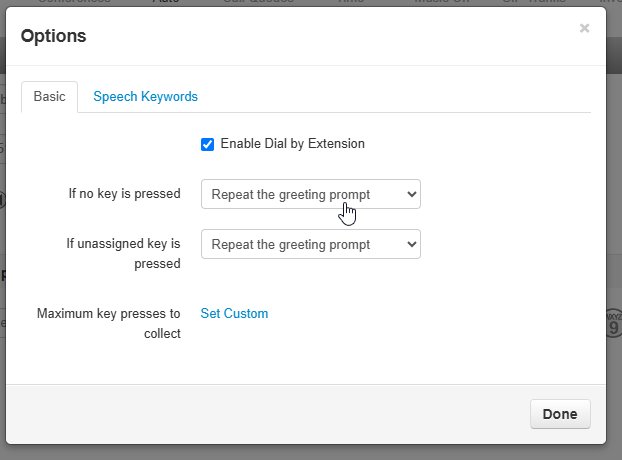
Note: An option must be available in the menu to be an eligible failover destination.
Click here for more resource:
Was this article helpful?
That’s Great!
Thank you for your feedback
Sorry! We couldn't be helpful
Thank you for your feedback
Feedback sent
We appreciate your effort and will try to fix the article